Your platform.
Your accounts.
Your journal.
You don’t need to change platforms to use your journal. LowFlow connects to your account, not to your platform.

Your trades arrive live.
Your journal builds itself automatically.
Why wait until the end of your session to document your trading?
LowFlow has its own Rithmic and Tradovate connections, designed to receive executions in real time and process them locally, with millisecond-scale responsiveness.
An entry, an add to the position, a target hit or an exit: every available event can automatically feed your journal and, depending on your setup, trigger a photo or video capture of your Windows screen.
Trades are recorded and organized by account. Trading information feeds your statistics and analyses, while the visual captures can enrich your trade records.
No need to wait for the platform to close, export a CSV or manually rebuild your session.
Your past days matter too: import your history from NinjaTrader, Tradovate, Rithmic, Sierra Chart, TradingView or any other CSV file, and keep everything in one place, locally.
You keep trading on your usual platform. LowFlow works alongside it, without sending any orders, to build your history as you trade.
You make the decisions. LowFlow keeps their history.
Direct connection
Rithmic through its API, Tradovate through OAuth. Your trades reach the journal without connecting your platform.
Photos and videos
Native Windows capture. Your platform must be open and visible on screen.
Local journal
Your data, photos and videos stay on your computer.
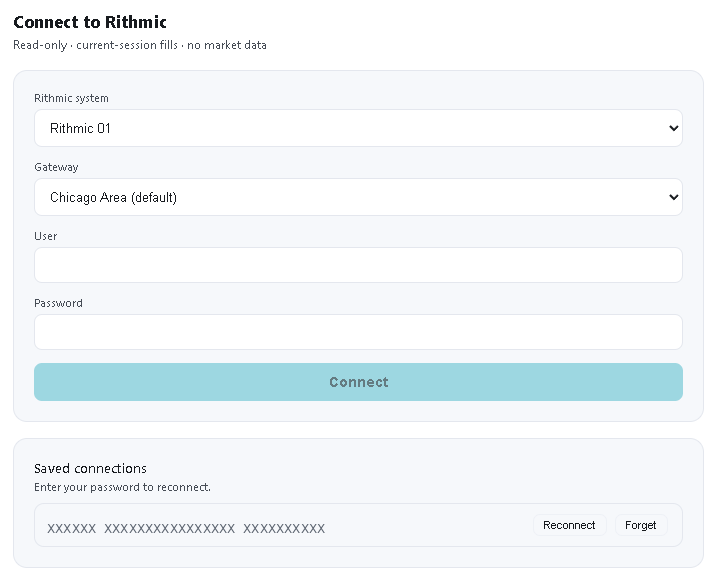
API · LiveYour Rithmic account, directly in LowFlow.
Enter your Rithmic access: LowFlow connects to your gateway and receives your fills — entries, exits and partial fills — without going through your platform.
Your account → LowFlow → your journal
 OAuth
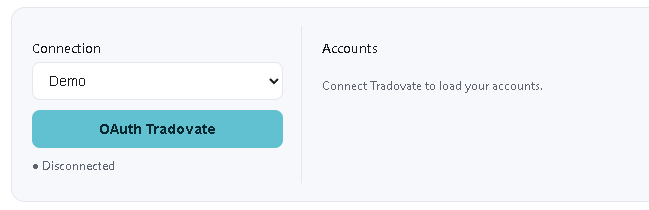
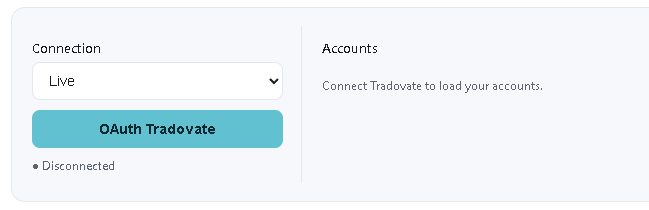
OAuthAuthorize your account. LowFlow retrieves your data.
A secure Tradovate login page opens in your browser. Once you sign in, your accounts appear. Your password never goes through LowFlow.
Your account → LowFlow → your journal
Photo and video, whatever your platform.
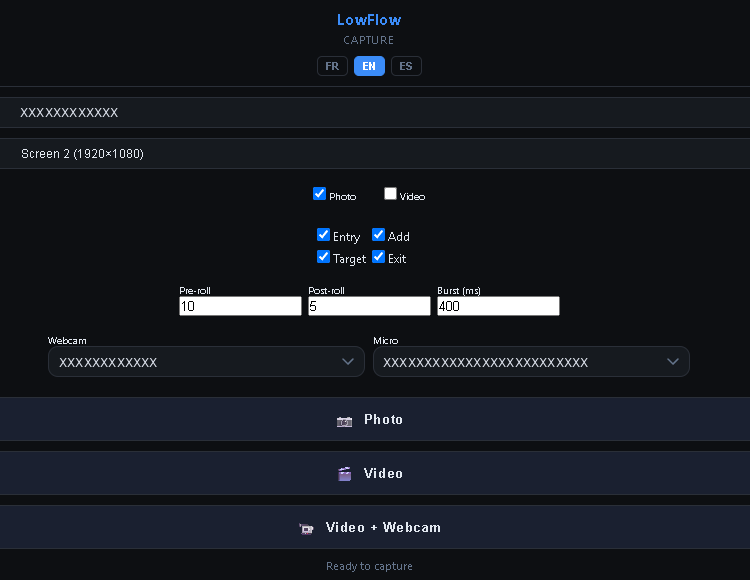
On Windows, LowFlow uses the system’s native features. You choose the screen, the moments to capture (entry, add, target, exit), the webcam and the microphone.
Visual capture: no
This is by design: to capture what happens on screen, the screen has to be displayed.
Several accounts. A complete view of your trading.
LowFlow does more than collect your trades: it turns them into a centralized analysis workspace. Select your accounts, choose your period and customize the indicators you follow.
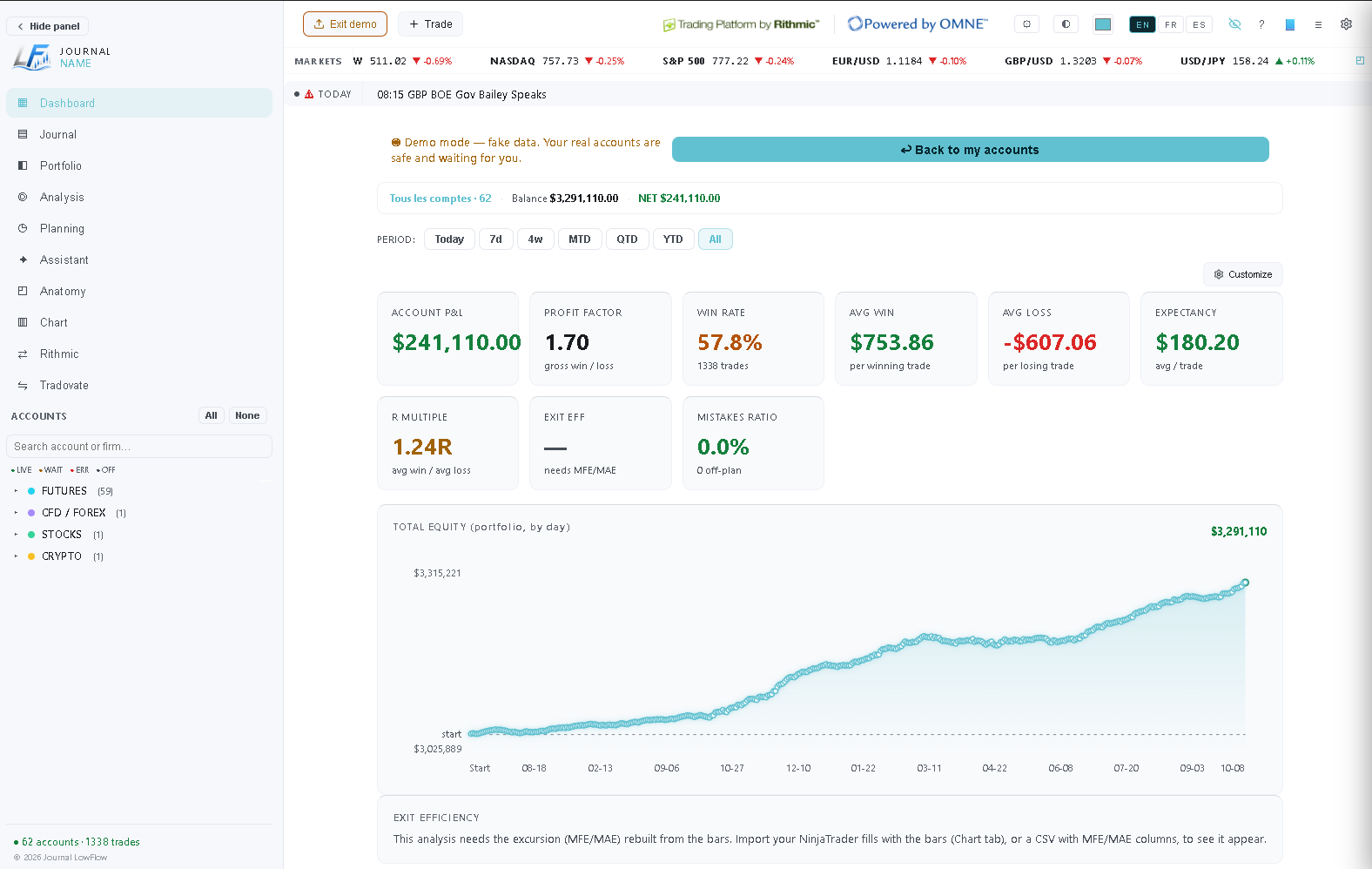
Screenshots in demo mode — fictitious data.
Rithmic or Tradovate, several accounts together: you choose which ones to analyze.
Today, 7 days, 4 weeks, month, quarter, year or your entire history.
P&L, profit factor, win rate, average win and loss, equity curve: cards you customize.
Some statistics, such as exit efficiency, need additional data (bars or a CSV file with MFE/MAE). Your data, photos and videos stay on your computer.
More than 20 platforms and environments.
One journal.
Rithmic and Tradovate are present in a very broad ecosystem. Your platform keeps doing what you use it for: LowFlow takes care of the journal.
NinjaTrader with Rithmic · Sierra Chart with Rithmic · Quantower with Rithmic · NinjaTrader with Tradovate
Your platform stays your platform.
Your accounts stay your accounts.
LowFlow becomes your journal.
LOWFLOW — THE TRADER WHO DECIDES
A question about your platform?
Contact usWhen LowFlow is integrated directly into the platform, the process is designed to be fast and transparent.
NinjaTrader
How it works
A native addon installs into NinjaTrader 8. It captures your trades on exit and exports chart bars, with no manual step.
Benefits
Automatic import into the journal as soon as a trade closes. No CSV export, no copy-paste.
Installation
Import via NinjaScript (New menu → NinjaScript Editor → Import). Restart NinjaTrader, the addon appears automatically.
Sierra Chart
How it works
A native ACSIL study captures your trades and can also save a chart image on every position exit.
Benefits
Built directly into Sierra Chart's engine — no external connection required, no third-party protocol.
Installation
Sierra Chart must be open before connecting LowFlow. Add both studies — trades/photos and bars — via Chart Studies, then set "Active" to Yes for each. Without this setting, no data is exported.
Quantower
How it works
A native indicator captures trades, bars and chart photos in a single integration.
Benefits
One installation covers trades, bars and visual captures — no need to stack multiple modules.
Installation
Copy the file into the appropriate Quantower folder. Start the strategy in the Strategies Manager — check "Restore strategies state" to avoid redoing it on every restart.
Automated connections
For certain platforms and brokers, LowFlow may offer an automated connection that fetches data without manual import. Availability depends on the platform, the broker and the service terms.
Rithmic, R|Protocol API, OMNE, Tradovate, NinjaTrader and Kinetick are trademarks of their respective owners.